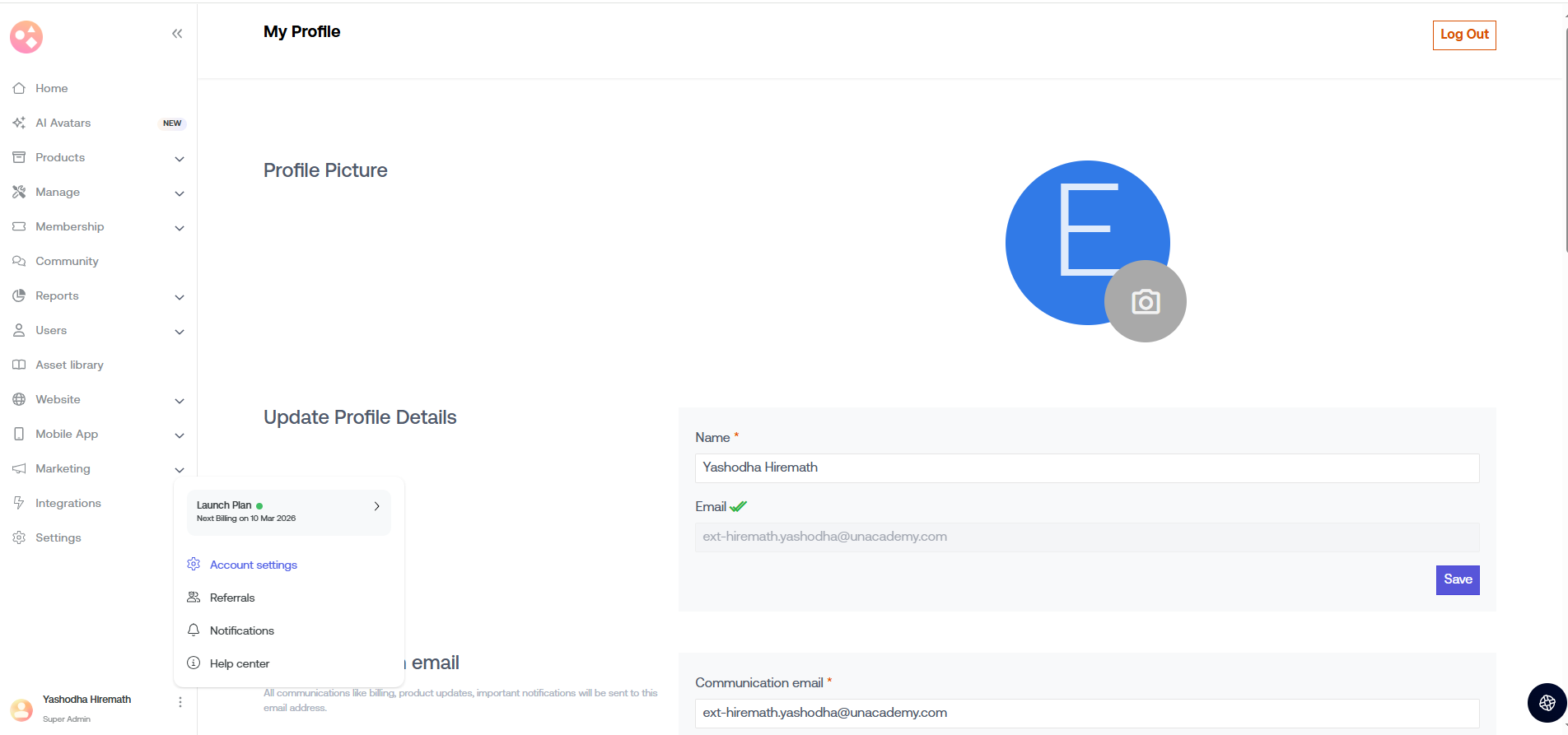
Account will be displayed as My profile. My profile is Seekhly’s most important space to find all the information related to the admin.
→ Go to the left nav > Account.
Select Plan name to choose or upgrade your Seekhly plans.
Select Account settings to update profile details, billing details, communication email, change password, language, and account deletion.
Select Referrals to refer Seekhly to someone using your unique Referral Link.
Select Notifications to check the updates.
Select Help Center to check knowledge bases and get in touch with Seekhly’s care team via e-mails or calls.
Was this article helpful?
That’s Great!
Thank you for your feedback
Sorry! We couldn't be helpful
Thank you for your feedback
Feedback sent
We appreciate your effort and will try to fix the article
